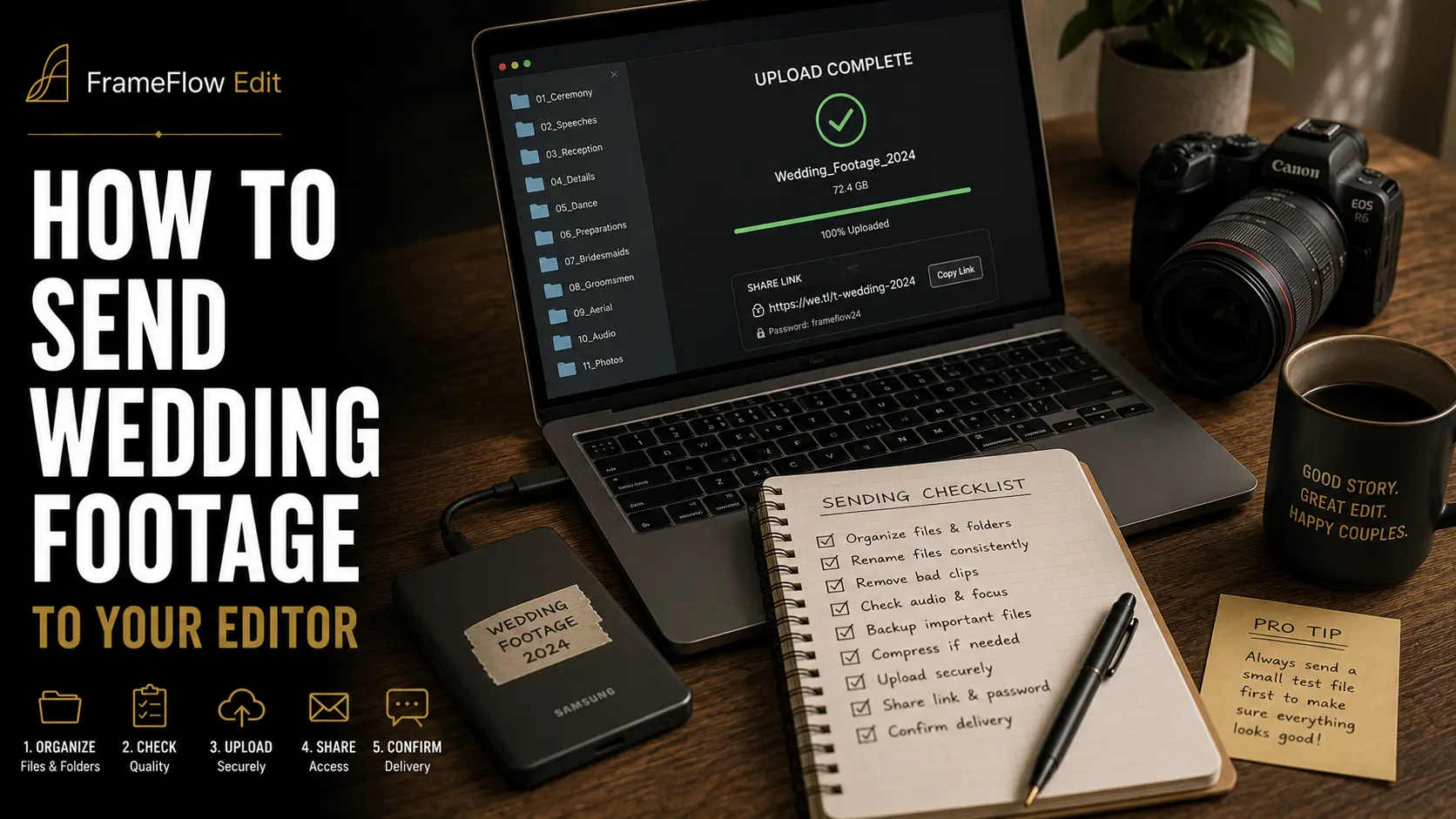
You shot the wedding. The cards are backed up. You have picked an editor. And now you are staring at 640 GB of media on a desk in your living room, wondering how it is supposed to reach someone who is not in your living room.
This is the least glamorous step in the outsourcing chain and the one that quietly costs videographers the most. A transfer that takes three days instead of three hours pushes the whole delivery timeline right. A transfer that arrives incomplete costs a week of back-and-forth. A transfer that costs $120 in egress fees eats a visible slice of the margin on a $2,400 wedding. None of that shows up in a portfolio, but all of it shows up in a calendar and a bank account.
This guide covers the mechanics: how much data you actually have, whether to send originals or proxies, the four real ways to move a wedding day, what the transfer services cost in 2026, how long the upload will genuinely take, and how to verify that what landed on the other end is what left your drive.
How Much Data Does One Wedding Actually Produce?
Every decision downstream depends on this number, and most videographers guess it wrong by a factor of two. Do not estimate from memory — right-click the project folder and read the real figure before you plan anything.
The size of a wedding is a function of three things: how many cameras rolled, how many hours they rolled, and what codec they recorded. Codec dominates. The same eight-hour day can be 180 GB or 1.4 TB depending on nothing but a menu setting made before the ceremony.
Here is the arithmetic, derived from published codec data rates. Apple's own specification puts ProRes 422 HQ at approximately 220 Mbps at 1920x1080 and 29.97 fps, ProRes 422 at approximately 147 Mbps, ProRes 422 LT at approximately 102 Mbps, and ProRes 422 Proxy at approximately 45 Mbps. Convert a bitrate to hourly volume by dividing by eight and multiplying by 3,600.
Note the phrase "recorded hour". A ten-hour wedding day does not mean ten hours of media per camera. A second shooter covering ceremony and reception might have three hours of actual clips. An A-cam running long takes through speeches might have six. Add the drone card, the audio recorders, and the stills you were asked to grab, and the total climbs again.
Two practical consequences. First, if your total sits above roughly 500 GB, cloud upload stops being a background task and becomes a scheduling decision. Second, if it sits above 1 TB, you should be actively asking whether the editor needs all of it — which is the next question.
Originals, Proxies, or Both — Decide Before You Upload
The single biggest lever on transfer time is not your internet connection. It is deciding what actually needs to travel.
There are three defensible models, and the right one depends on what you are buying from the editor.
Model one: send everything, originals only
You upload the full camera originals and the editor works natively. This is the correct default when the deliverable involves colour grading, when you shot log or raw, and when the final film needs to hold up on a large screen. It is also the slowest and most expensive route, and it is the one most videographers pick reflexively without checking whether they need to.
Model two: send proxies, hold the originals
You generate low-bitrate proxies, send only those, and the editor cuts offline. When the edit is locked they send you back a project file or an XML, and you conform and grade against the originals yourself. This collapses a 640 GB transfer into something closer to 60 GB. The catch is that you are now doing the finishing work, which defeats most of the reason for outsourcing in the first place.
Model three: proxies first, originals in parallel
This is what experienced teams actually do. Push the proxies immediately so the editor can start assembling within hours, and start the originals uploading in the background overnight. The editor builds the story on proxies, relinks to originals when they land, and grades and finishes properly. You lose nothing and you buy back a full day of calendar time.
You are not building anything custom to do this. Premiere Pro ships a proxy ingest workflow with a default ProRes QuickTime Proxy preset and a frame-size control set to Half by default; other combinations are added as custom ingest presets built in Media Encoder. DaVinci Resolve has an equivalent proxy generation workflow built into the media pool. Pick one, save it as a preset, and stop thinking about it.
Whatever you choose, generate the proxies with matching filenames and timecode. A proxy set that will not relink is worse than no proxy set, because someone has to discover the problem before anyone can say so.
The Four Ways to Move a Wedding Day
Strip away brand names and there are exactly four mechanisms. Each is genuinely the best answer under specific conditions, and the mistake is using one out of habit rather than fit.
Accelerated transfer services upload your files to a network optimised for large media and hand the recipient a download link. You pay per gigabyte moved. Fast, simple, no shared workspace, files expire.
Sync-and-share storage keeps a folder mirrored between machines. You already pay a flat monthly fee, so the marginal cost of a wedding is zero until you fill the tier. Slower on very large payloads and prone to sync conflicts if both sides touch files.
Cloud filesystems mount a shared volume on both desktops and stream media on demand, so nothing is "sent" at all. Excellent for ongoing relationships, overkill for a one-off, and you are paying per member per month whether you shoot that week or not.
Physical drives still move more terabytes per hour than most connections in the world. Slow to start, unbeatable at scale, and the only method with a real risk of total loss in transit.
Cloud Transfer Services, Compared on What Matters
Marketing pages compare features. What actually determines your cost is the pricing model, and the four common services use four different ones.
MASV is pure pay-as-you-go. As of 2026 it includes 15 GB of free transfer every month, after which the rate is $0.25 per GB. Annual subscriptions bring the effective rate down: 250 GB per month at $58 works out to $0.23 per GB, and 5 TB per month at $973 works out to $0.19 per GB. Pre-purchased credits start at $1,229 for 5 TB — $0.24 per GB — and are valid for 180 days. Uploaded files are stored free for five days, after which storage is charged at $0.07 per GB per month. MASV holds SOC 2 Type II, ISO 27001:2022 and TPN verification, which matters if you ever shoot for a client with security requirements.
WeTransfer is capped by transfer count and volume rather than metered. The free tier allows up to 10 transfers or 3 GB total in any rolling 30-day window — effectively unusable for wedding media. Starter raises that to 10 transfers or 300 GB per 30 days. Ultimate offers unlimited transfers of up to 1 TB each, with password protection, custom expiration and branded pages. Default account storage is 2 TB. Worth knowing: WeTransfer states there is no upload or download speed difference between free and paid accounts — speed depends on your connection, not your plan.
Frame.io is a review platform that happens to move files. Its V4 free tier gives up to 2 members, 2 GB of storage and up to 2 projects. Pro raises this to up to 5 members and 2 TB of storage, plus 2 TB per additional member, with unlimited projects, custom-branded shares, passphrase-protected shares and share link expiration. Team allows up to 15 members with 3 TB base storage plus 2 TB per added member, restricted projects and internal comments. The value is not the transfer — it is frame-accurate comments landing on a timeline instead of in an email.
LucidLink charges per member, not per gigabyte. Starter is $7 per member per month with 100 GB included per member and additional storage at $7 per 100 GB per month, capped at 10 members and 1 TB. Business is $32 per member per month — often promoted at $27 — with 400 GB included per member and additional storage at $8 per 100 GB, supporting up to 25 members. Storage is pooled across the workspace, LucidLink uses zero-knowledge encryption, and it measures capacity decimally, where 1 TB equals 1,000 GB.
The pattern is clear. If you outsource two or three weddings a year, metered transfer is cheaper than any subscription. If you outsource most of your season, a flat plan or a cloud filesystem pays for itself by roughly the fourth or fifth wedding. Run the number against your own volume rather than copying whatever your peers use.
When Shipping a Drive Still Beats the Cloud
There is a crossover point where a courier outruns your uplink, and it arrives sooner than most people expect.
A 2 TB payload on a 100 Mbps upload takes about 44 hours of continuous, uninterrupted transfer. Overnight courier moves the same 2 TB in roughly 18 hours door to door. Physical shipping wins outright, and it wins by more the larger the payload gets — because courier time is constant while upload time scales linearly.
Ship a drive when the payload is very large, when your uplink is genuinely slow, when the editor is on the same continent, or when the wedding was shot somewhere with no usable connection and you are already carrying the media home.
Do not ship a drive when the editor is overseas — customs delays are unpredictable and a held package is a delivery date you cannot defend to a client. Do not ship when you need the edit started this week. And never, ever ship the only copy. The rule is simple: the drive that goes in the box is a copy, and the originals stay with you on at least two separate devices. If you need the reasoning laid out properly, our guide to the 3-2-1 backup rule for wedding footage covers what "two separate devices" actually means in practice.
The crossover is easy to locate for your own setup. On a 100 Mbps uplink, courier and cloud break even at roughly 800 GB; anything larger and the box wins. On a 500 Mbps uplink the break-even moves out to around 4 TB, which most wedding videographers will never hit. On a 25 Mbps uplink it drops to about 200 GB, which almost every wedding exceeds. Work out your own threshold once and stop re-litigating it every time a card fills up.
If you do ship, format the drive exFAT so it mounts on both macOS and Windows without drama, include a plain-text manifest at the root, and send the tracking number the moment it leaves your hands. Add a second, cheap USB drive with just the proxies in the same box — if the main drive fails on arrival, the editor can still start.
Do the Upload Math Before You Promise a Date
Most missed deadlines in outsourced wedding video are not editing delays. They are transfer delays that nobody budgeted for.
Ookla's 2026 data puts the median US fixed-broadband upload speed in the mid-to-high 50s Mbps. That is a median of measured connections, which means half of the connections tested were slower. It is also a speed-test figure measured over seconds, not a sustained rate held for eleven hours while your machine also renders proxies.
The conversion is straightforward: divide your upload speed in Mbps by eight to get MB per second, then multiply by 3,600 to get GB per hour. A 50 Mbps uplink moves about 22.5 GB per hour. A 1 Gbps uplink moves about 450 GB per hour.
Three adjustments before you trust these numbers. Add 20 to 30 percent for real-world overhead, retries and throttling. Test your actual upload speed rather than reading the number on your bill, because advertised and delivered rates diverge most on upstream. And if you are on a Wi-Fi connection, plug in an Ethernet cable — a multi-hour upload over Wi-Fi is the single most common cause of a stalled transfer at 3am.
Once you know your real transfer window, it becomes a number you can quote. Turnaround is one of the few things a videographer can promise precisely, and precision sells — we make that case in detail in our piece on turning turnaround time into a sales edge.
Verify Every Transfer — Checksums, Not Vibes
"It said complete" is not verification. Large transfers fail partially far more often than they fail loudly, and the failure mode is a truncated file that opens, plays for eleven seconds, and stops — which nobody discovers until the editor is three days in.
Verification means comparing a cryptographic hash of each file on the source against the same hash computed on the destination. If the hashes match, the bytes are identical. If they do not, something was lost, and you want to know that today rather than on Thursday.
Purpose-built offload tools such as Hedge and ShotPut Pro do this automatically and produce a report you can send with the media. Cloud transfer services generally perform integrity checking internally, but that verifies the file arrived at their servers intact — not that the editor's download completed intact. Ask for confirmation on the far end regardless.
At minimum, run this check before you consider a transfer done.
That last row is the one people skip and the one that saves projects. Until the editor has opened the media on their own machine, the transfer is not finished — it is merely uploaded.
Package It So the Editor Never Has to Ask
A transfer is not just bytes. It is a package that either explains itself or generates a queue of questions, and every question is a round trip across a time zone.
Ship a flat, obvious folder structure. Separate camera originals by camera, keep external audio in its own folder, put drone and stills where they belong, and never bury media four levels deep inside a card backup structure. Name the top-level folder with the date and the couple's surname so it survives being dragged onto a drive full of other weddings.
Include a short text file at the root covering the things the editor cannot infer from the files themselves: which camera is A, whether anything was shot in a log or flat profile, which audio source is the intended master for the ceremony, the frame rate and any clips that deviate from it, and the couple's names spelled the way they should appear on screen. Two minutes of typing removes half a day of email.
Send music and reference material in the same package rather than separately. An editor who has your reference film in hand from hour one builds a better first cut than one who receives it after the assembly is locked. Our wedding footage hand-off checklist goes through the full prep sequence, including organisation and labelling before the transfer begins.
One security note that gets ignored until it matters. Wedding footage is personal data belonging to people who did not sign your vendor agreement. Use links that expire, set a passphrase on anything shared publicly, and do not leave a couple's ceremony sitting on an open link for eighteen months because you never got round to deleting it. Most paid tiers across these services include expiration and password protection specifically for this. Use them.
Frequently Asked Questions
How long does it take to send a wedding to an editor?
For a typical 400 GB payload on a 100 Mbps upload, budget around nine hours of transfer plus overhead — call it a full overnight. On a 50 Mbps connection the same payload takes roughly 18 hours. If you send proxies only, an 80 GB set moves in under two hours on 100 Mbps. Always test your real upload speed rather than using the advertised figure, and add 20 to 30 percent for retries and throttling.
Should I send proxies or original files to my editor?
Send both, in that order. Push proxies first so the editor can start assembling within hours, and upload the originals in the background overnight. The editor cuts on proxies, relinks to originals when they arrive, and grades and finishes properly. Sending proxies only makes sense if you intend to conform and grade yourself — which usually cancels out the reason you outsourced.
What does it cost to transfer 500 GB of wedding footage?
On MASV's standard pay-as-you-go rate of $0.25 per GB in 2026, 500 GB costs roughly $121 after the 15 GB monthly free allowance. Volume subscriptions bring the effective rate down to as low as $0.19 per GB. On a flat-rate plan such as WeTransfer Ultimate or a LucidLink workspace, the marginal cost of that wedding is zero — you have already paid for the capacity. Metered services are cheaper for occasional senders; flat plans win once you are outsourcing most of your season.
Is it safe to ship a hard drive to a video editor?
It is safe if the drive you ship is a copy and never the only copy. Keep your originals on at least two separate devices before the package leaves your hands, format the shipped drive exFAT so it mounts on both platforms, include a manifest at the root, and use a tracked overnight service. Avoid shipping internationally when a deadline is tight — customs holds are unpredictable and impossible to explain to a couple.
What internet speed do I need to outsource wedding editing?
There is no minimum, but there is a comfort threshold. At 100 Mbps upload you can move a typical wedding overnight without thinking about it. Below 50 Mbps, cloud transfer of full originals becomes an overnight-plus-a-day event and proxy-first workflows stop being optional. Below 25 Mbps, shipping a drive is usually faster than uploading anything over about 200 GB.
How do I know the transfer arrived without errors?
Compare file counts and total byte size between source and destination, run a checksum verification with a tool such as Hedge or ShotPut Pro, spot-play the three largest clips end to end, and ask the editor to confirm in writing that all media opens on their machine. A completion notification from a transfer service confirms the upload, not the download — the transfer is finished when someone on the other end has opened the files.
Getting the footage across is the last piece of work that is entirely yours. Once it lands, verified and labelled, the edit is somebody else's problem — which is exactly the point. FrameFlow Edit takes wedding media from videographers and studios and returns finished highlight films, full films, colour and sound, on a stated turnaround. Tell us what you shot and how much of it there is, and we will quote the job.