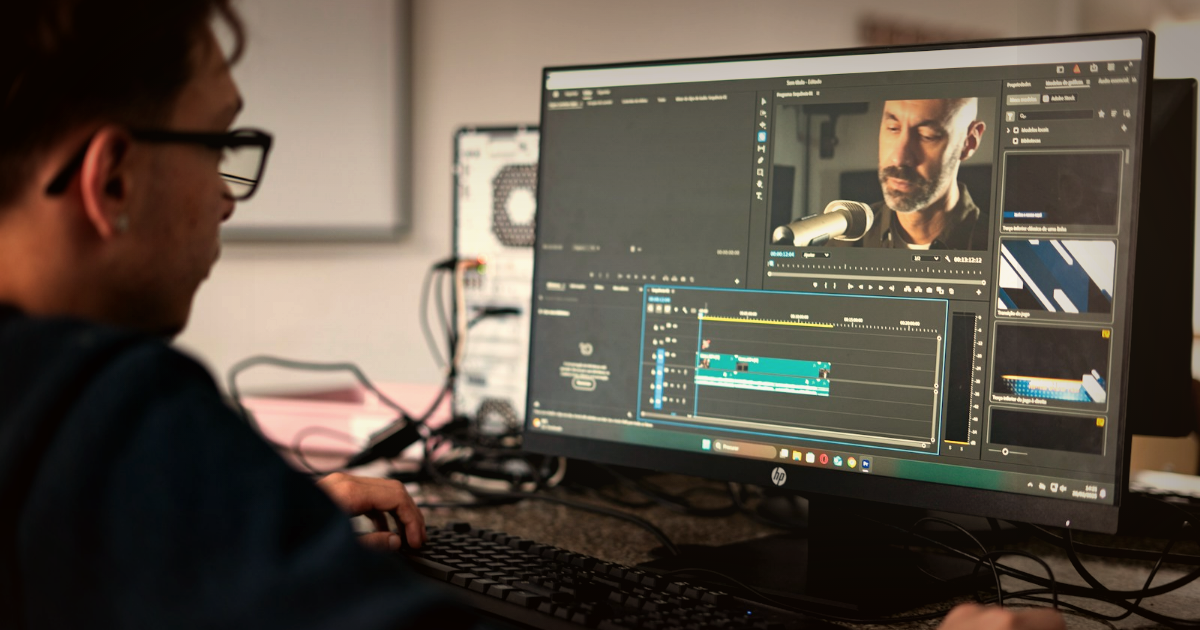
Before you hit send
A clean handoff is the single biggest thing that decides how fast — and how good — your edit comes back. Get these five right every time:
- Back up first — a verified 3-2-1 copy before any card is wiped.
- Organise and label media so an editor never has to guess what they're looking at.
- Send originals (plus proxies) for heavy RAW/ProRes footage.
- Include every audio source — recorder, lavs and the board feed — as separate tracks.
- Share the look and a one-page brief: must-have moments, names, song and deliverables.
The film a couple remembers forever is built in the edit — but the edit can only be as good as what lands on the editor's drive. Whether you cut in-house or outsource to keep up with the season, the handoff is where most time is quietly lost: missing audio, mystery folders, footage that won't play, a "make it cinematic" note with no reference. This is the checklist that removes all of that, so your editor spends their hours on storytelling instead of detective work.
Back up before you do anything else
Footage from a wedding is unrepeatable. There is no reshoot. Before a single card is formatted, get to a verified 3-2-1 backup: three copies of the data, on two different types of media, with one copy off-site (or in the cloud). Offload every card to two separate drives and confirm the copy completed — ideally with a checksum-verified transfer (tools like Hedge, ShotPut Pro or a verified copy) rather than a plain drag-and-drop that can silently drop a file.
Do not reformat cards until your editor confirms they have everything and it all plays. A formatted card is the most expensive mistake in this entire workflow.
Organise and label so an editor isn't guessing
An editor opening a tidy project starts cutting in minutes; an editor opening a folder called "NEW FOLDER (2)" starts with an hour of unpaid archaeology. Use one consistent structure per wedding, for example:
01_Video— a subfolder per camera (A-CAM, B-CAM, C-CAM) so multi-cam is obvious;02_Drone— aerials kept separate (they're often a different codec or frame rate);03_Audio— every recorder, lav and board feed;04_Brief— your shot notes, song, names and deliverables;05_References— LUTs, a graded still, example films.
Keep camera-original file names — don't rename clips. If you shot multi-cam, say which camera was the "hero" for the ceremony and speeches, and flag anything time-critical (the first kiss, the vows, the speeches) so nothing gets buried.
Originals or proxies: what to actually send
The right answer depends on what you shot. As a rule, send the camera originals — an editor should colour and finish from the real files, not a compressed copy. For heavy formats, add proxies so the timeline stays responsive.
| What you shot | What to send | Why |
|---|---|---|
| Compressed H.264 / HEVC (mirrorless, gimbal) | Originals, as-is | Already edit-ready and small enough to cut natively |
| Log / 10-bit (S-Log, V-Log, C-Log) | Originals + your LUT | The flat files plus your intended look, so grading starts from the right place |
| RAW / ProRes (cinema cameras) | Originals + proxies | Files are huge — proxies keep editing fast, originals are used for the final render |
| Drone | Originals, labelled separately | Often a different codec/frame rate that needs conforming |
Note your frame rates and resolution in the brief (e.g. "4K 25p, slow-mo clips 4K 50p"). Mixed frame rates are completely normal — but an editor needs to know they exist so motion and slow-motion are handled correctly.
Audio is half the film — send all of it
Couples forgive a slightly soft shot; they do not forgive not hearing their own vows. Treat audio as a first-class deliverable, not an afterthought, and send every source as a separate track:
- the dedicated recorder(s) and any lav mics (on the groom, the officiant, the lectern);
- a board/PA feed from the DJ or venue for speeches and the first dance;
- in-camera scratch audio — keep it; it's the editor's sync reference.
If you shoot dual-system, give your editor a way to sync: matching timecode (e.g. a Tentacle Sync), a clap, or just leave the scratch audio intact so waveforms can be aligned. Never pre-mix everything down to one track — separate sources let the editor balance vows, music and ambience cleanly.
Share the look you want
"Make it cinematic" means ten different things to ten editors. Show, don't tell. Include the LUT you grade with, your camera's colour space (are the files Log or already Rec.709?), one or two reference films you love, and — best of all — a single still you've graded yourself so the editor can match your signature. If you have a consistent house look, this is how it survives outsourcing. For the deeper craft side of this, see what actually makes a wedding film cinematic.
Write a brief your editor can actually use
One short page prevents a dozen messages later. Include:
- Must-have moments — vows, ring exchange, first kiss, speeches, first dance, any private/cultural rituals;
- Names and pronunciations of the couple and key people (for titles and so nothing is misspelt on screen);
- Music — the song(s) you want, with a licensed source (Musicbed, Artlist, Epidemic Sound). Licensed music protects the couple's video on social platforms;
- Deliverables — exactly what you sold: highlight film length, full ceremony, speeches, a teaser, and which aspect ratios you need (16:9 for delivery, 9:16 verticals for Reels/Stories);
- Deadline and any couple-specific do's and don'ts.
Choosing between styles for the highlight film? Our breakdown of documentary vs cinematic wedding video is a useful thing to align on with your editor up front.
Deliver the files without the headache
Pick the transfer method that matches the size of the job and how much you'll collaborate:
| Method | Best for | Notes |
|---|---|---|
| MASV / Large-file transfer | One-off transfers of a full wedding (100 GB+) | Fast, pay-as-you-go; recipient needs no account |
| Frame.io / Dropbox / Google Drive | Ongoing collaboration and review rounds | Keeps a synced copy and makes timestamped feedback easy |
| Physical SSD (courier) | Very large jobs or slow upload speeds | Reliable but slowest; always keep your own copy before shipping |
| WeTransfer | Small extras — a single missing clip | Fine for a few GB; not for a full wedding |
Whatever you choose, confirm the editor has downloaded and verified everything before you reuse the cards. The handoff isn't done when you upload — it's done when they confirm it all plays.
The 2026 wedding-footage handoff checklist
- ✅ Verified 3-2-1 backup complete; cards NOT yet formatted;
- ✅ Media organised into a consistent folder structure, camera names kept;
- ✅ Originals sent (plus proxies for RAW/ProRes); frame rates noted;
- ✅ All audio sources included as separate tracks, with a sync reference;
- ✅ LUT, colour space, references and a graded still shared;
- ✅ One-page brief: moments, names, licensed song, deliverables, aspect ratios, deadline;
- ✅ Files delivered and confirmed downloaded before cards are reused.
How do I send large wedding video files to an editor?
For a full wedding (often 100 GB or more), a large-file service like MASV is fastest for a one-off transfer, while Frame.io, Dropbox or Google Drive are better when you also want review and feedback in one place. For very large jobs or slow internet, a couriered SSD is reliable — just keep your own copy first. Avoid WeTransfer for full weddings; it's better for a single missing clip.
Should I send proxies or original footage to my editor?
Send the camera originals so the editor can colour and finish from the real files. For heavy RAW or ProRes footage, also send proxies so the timeline stays responsive — the editor cuts on the proxies and conforms to the originals for the final render. Compressed H.264/HEVC footage is already edit-ready and can be sent as-is.
What audio should I give my wedding video editor?
Everything, as separate tracks: your dedicated recorder(s), any lav mics (groom, officiant, lectern), a board/PA feed for speeches and the first dance, and the in-camera scratch audio as a sync reference. Don't pre-mix to a single track — separate sources let the editor balance vows, music and ambience properly.
How long does professional wedding video editing take?
It varies with scope and how clean the handoff is, but a well-organised wedding typically turns around in a couple of weeks. A clean delivery is the biggest factor you control — at FrameFlow Edit we deliver cinematic films in 12 business days precisely because the workflow above removes the back-and-forth.
Nail the handoff and the edit gets faster, cleaner and more like the film you imagined on the day. And if your season is busier than your editing hours, that's exactly what we're built for: FrameFlow Edit is wedding video editing for videographers — cinematic films, colour grading and highlight reels, delivered in 12 days. Send us your footage with the checklist above and get your weekends back.